I started in compositing and kept scripting little helpers until it became the part I enjoyed most. Now I build Nuke + Python tools that save clicks, reduce "did I break the shot?" moments, and are easy to install and trust.
Nuke · PythonPipeline toolsArtist UXClear README + setupRemote-readyAvailable for relocation
Featured tools
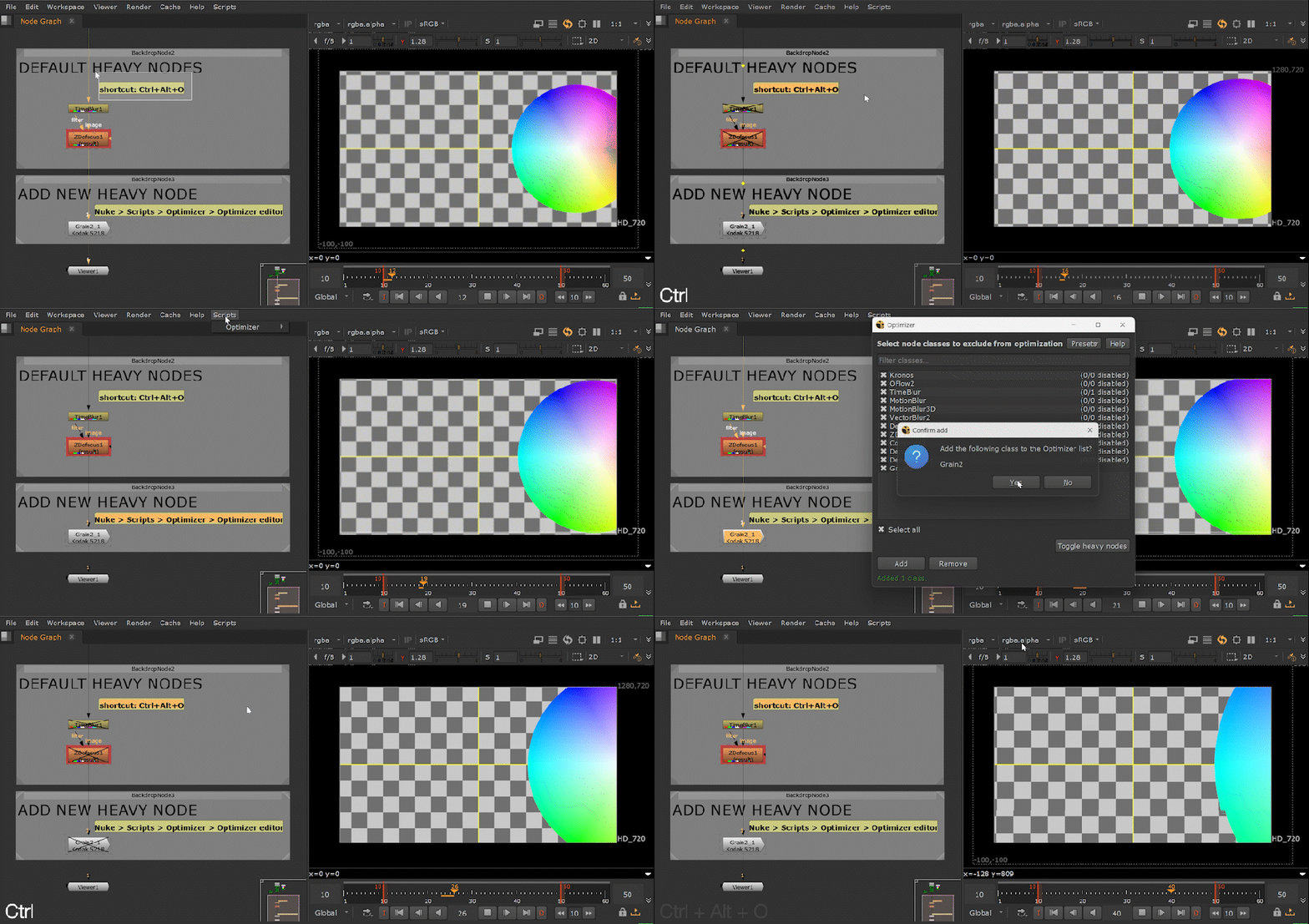
Nuke Heavy Node Optimizer (Shipped)
Bulk disable, enable, or toggle "heavy" nodes (by node class) across the current Nuke script - safely (only touches each node's disable knob).
This Optimizer bulk-toggles a configurable list of heavy node classes across the script (it only touches the disable knob) + a tiny editor UI for the class list.
Compatibility: The Foundry Nuke 13+; tested on Windows. macOS and Linux not yet tested.
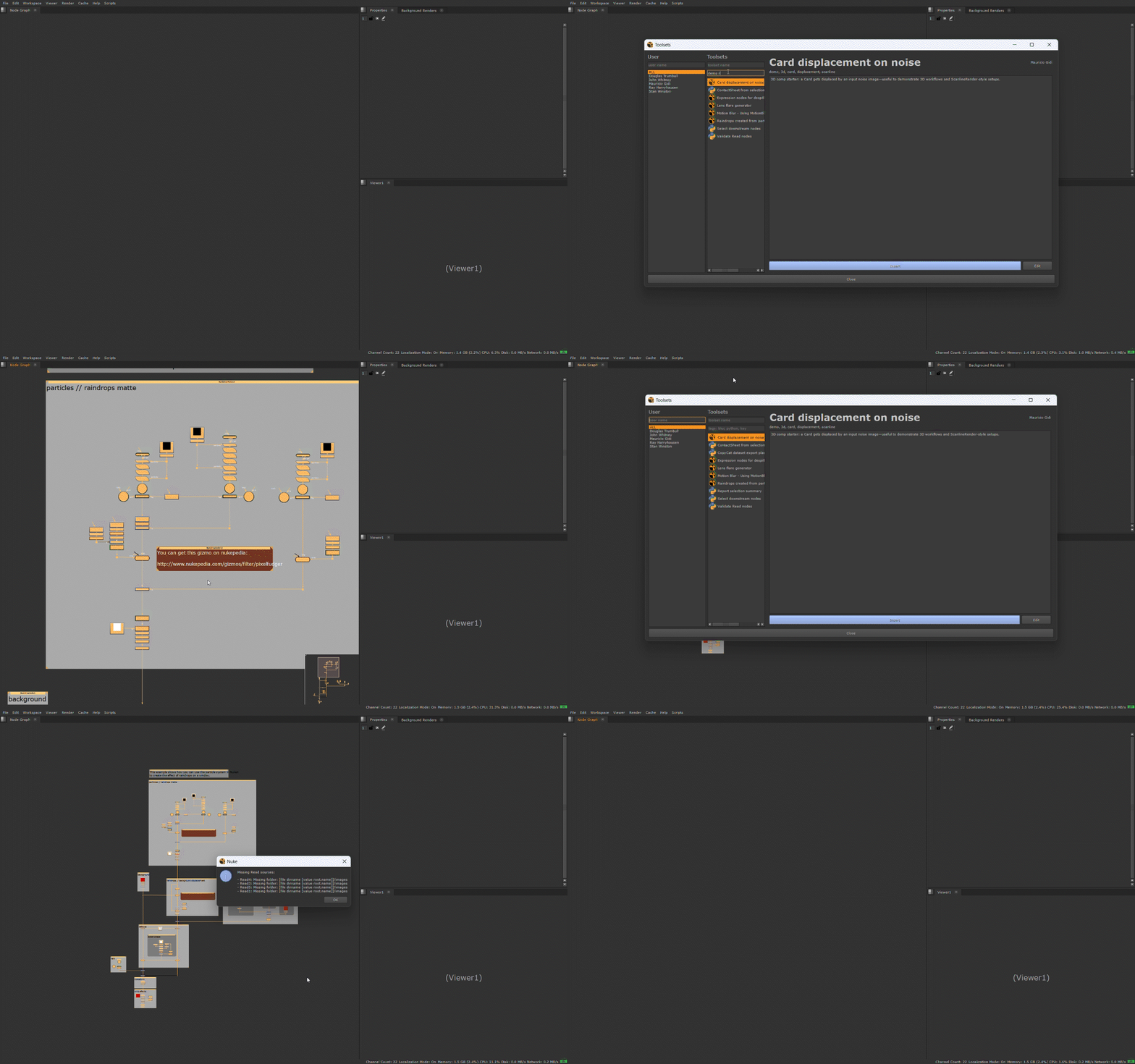
Browse toolsets stored on disk in a Qt user interface: insert .nk toolsets or run .py toolsets via a standard execute() entry point. It supports shared and personal libraries, and it’s being built to be loud when something is broken (warnings + how to fix).
Compatibility: The Foundry Nuke 13+; tested on Windows. macOS and Linux not yet tested.
NukePythonPySide2/6Status: In progress
Search + filter toolsets (fast “grab the thing” workflow).
Runs .py toolsets via a standard execute() entry point.